
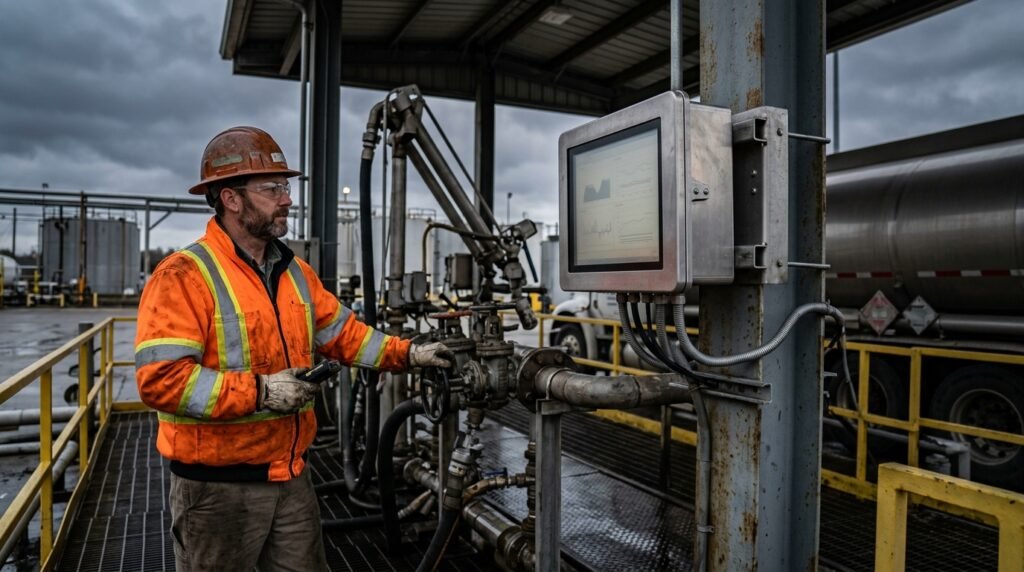
Loading rack monitors covers two different products, and buyers often shop for one while meaning the other. The overfill-protection box — a Dixon FT7000 or a Scully RM140 — bolts onto the gantry frame and stops a loading arm when a compartment fills or a ground strap fails. The screen an operator actually reads — flow rate, batch totals, alarms — is a separate device. IronView builds that screen. This guide draws the line, then covers what makes a display hold up at a gantry.
If you need the overfill box itself, Dixon and Scully’s own product pages cover the wiring and the approvals. What follows is aimed at the display side: the terminal automation HMI monitor operators stand in front of, outdoors, in all weather.
Loading rack monitors: two devices sharing one name
Dixon’s FT7000 page describes a unit installed directly on the loading gantry, built for overfill and grounding protection — not for showing an operator a process screen. It trips the loading arm shut when a probe reports a full compartment or a broken ground path.
Scully’s RM140, listed on Petro Industrial’s site, works the same way with different hardware: junction boxes and optic or thermistor rack cords feed a monitor that carries separate overfill and grounding outputs. Both systems are safety interlocks. Neither is built to display a tank level trend, a shift total, or a terminal-wide alarm list.
That’s the gap a terminal automation HMI monitor fills — and the gap IronView’s range is built for.
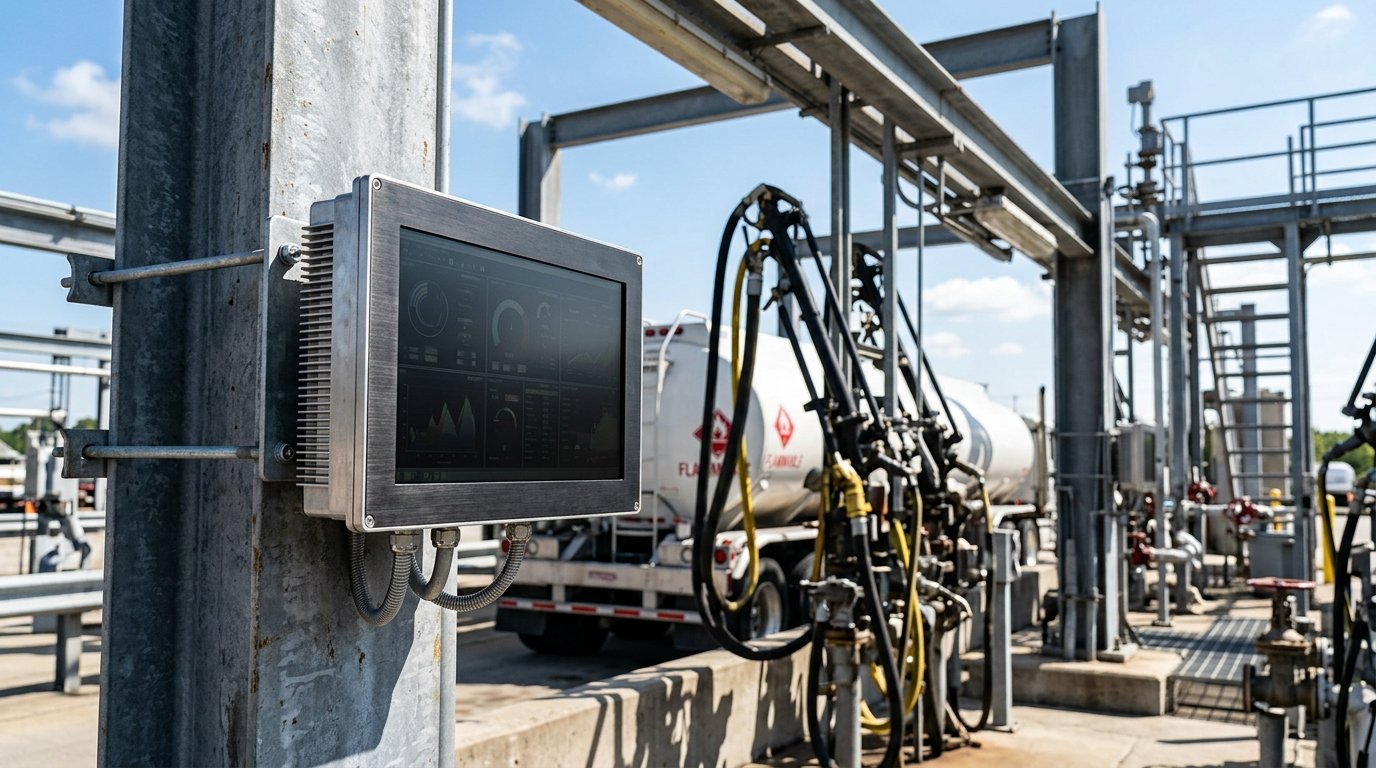
What a petroleum loading rack display needs to do
Dearman Systems describes current terminal automation platforms as tying loading racks, tank gauging and access control into one HMI. In practice that means a single screen at the gantry replaces separate readouts for level, temperature and permit status. That screen sits outdoors, often in an unheated canopy, exposed to fuel vapour, washdown water and full sun for most of the day.
This is where the phrase loading rack monitors gets confusing during a purchase. A petroleum loading rack display is a computer monitor running SCADA or automation software, networked to the same system as the overfill box — but it is a separate purchase with a separate spec sheet. In our experience, it’s also the part that fails first when a site tries to save money with a consumer-grade panel.
- Screen washout in direct sun, so alarms go unread at midday.
- Condensation inside a non-sealed housing fogs the panel overnight.
- Standard plastic bezels crack once temperatures drop below freezing.
- Washdown water finds a gap at the bezel and shorts the backlight driver.
Specifying a gantry monitor sunlight readable enough for the canopy
Once you’ve separated the display from the overfill box, three specs decide whether it survives: brightness, operating temperature, and how well the front is sealed. These aren’t marketing figures — they’re what a datasheet has to show before you sign off on the purchase order.
Brightness and contrast outdoors
A standard office monitor runs 250-300 nits, and it washes out under open sky by mid-morning. IronView’s sunlight-readable panels run from 1,000 to 1,500 nits with an anti-glare treatment on the front glass, so the display stays legible standing in direct sun at the loading arm, not just under the canopy’s shade line.
Operating temperature in an unheated canopy
A canopy roof blocks rain, not temperature swings. IronView’s extended-range monitors are specified from -20°C to 60°C (-4°F to 140°F), covering a winter terminal in the north and a summer gantry in the south without adding a heater or a fan kit on-site.
A sealed front for vapour and washdown
Fuel vapour and periodic washdown rule out a standard front. IronView’s washdown-rated units carry an IP65 front bezel — dust-tight and protected against low-pressure water jets from any direction — with a single-piece gasket rather than a bezel seam vapour can migrate through. Check the IP rating on the front specifically; a monitor’s rear housing is rarely rated to the same level and doesn’t need to be if it sits inside a cabinet.
If IP codes and nit ratings aren’t familiar, our Industrial Monitor Spec Glossary defines each one in plain terms.
See also: Sealed Rear Connectors Panel Mount Monitor
Matching monitor size to the gantry panel
IronView’s range covers 17.3″, 18.5″ and 19″ screens for loading rack monitors, and gantry panel space usually decides which one fits, not personal preference. A 17.3″ panel suits a retrofit into an existing cutout on an older rack. An 18.5″ or 19″ screen gives more room for a multi-lane terminal automation HMI monitor showing several bays at once, but check the cutout depth before you order — canopy support steel is rarely flush.
- 17.3″ — retrofits into an existing panel cutout without reworking the frame.
- 18.5″ — a practical default for single-bay gantry displays.
- 19″ — suits multi-lane terminals showing several loading arms on one screen.
Most gantry installs use a panel mount monitor set into the support frame rather than a free-standing enclosure.

See also: Rack Mount Industrial Monitor Fit Checklist
FAQ
Do loading rack monitors need ATEX or IECEx certification?
The overfill box often does — Scully’s RM140, for example, carries IECEx, ATEX and FM approvals for the classified zone it sits in. The display is a separate question: its certification requirement depends on where it’s mounted relative to the classified area on your site drawing. Confirm this with your site’s hazardous-area classification before ordering, not from a monitor’s general spec sheet.
Can one screen show overfill status and tank gauging together?
Yes, if your automation platform supports it. Dearman Systems describes exactly this — loading racks, tank gauging and access control unified under one HMI. The monitor itself just needs to run that software and stay legible outdoors; the integration work happens in the automation layer, not on the display.
What size screen fits a typical gantry operator panel?
Most single-bay installs use an 18.5″ monitor. Measure your existing cutout first — retrofits often call for 17.3″, and multi-lane terminals showing several bays benefit from 19″.
How do you stop fuel vapour and washdown reaching the screen?
Specify a sealed IP65 front bezel with a single gasket run, not a bezel with multiple seams. Confirm the rating applies to the front face specifically, since rear housings are usually lower-rated.
Where IronView fits on your loading rack
Specify loading rack monitors as two separate line items, not one. The overfill box protects the truck and the compartment. The display is what your operator actually watches all shift, in full sun or at 2 a.m. in an unheated canopy. Give it the same care — brightness, temperature range, sealed front — and it won’t be the part that fails first. See how these monitors perform across other outdoor sites in our loading rack and terminal application examples, or get a quote for your gantry panel dimensions →


