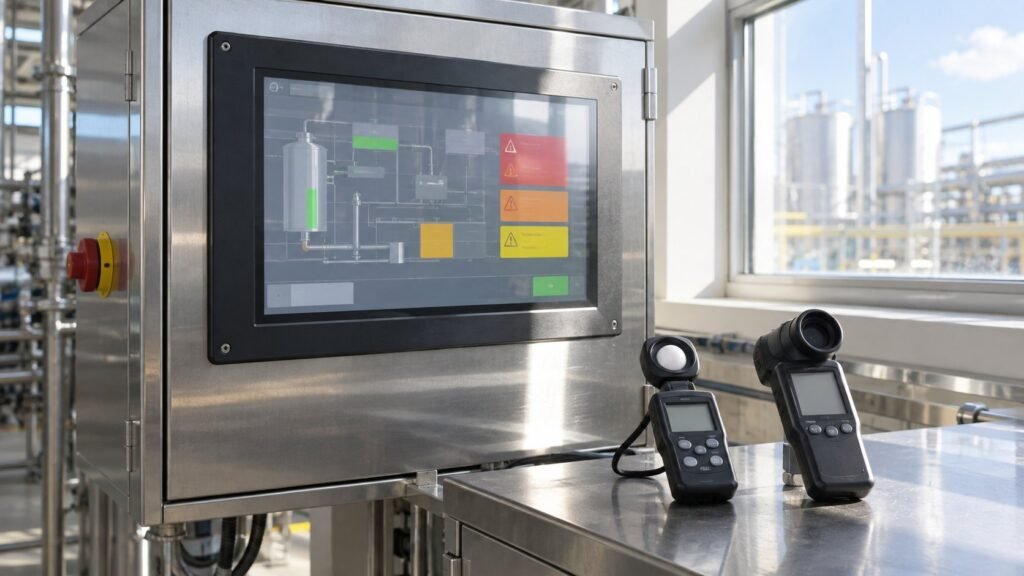
A sunlight readable industrial monitor needs brightness matched to the site, not a headline nit number. Use 500–700 cd/m² for bright indoor production, 700–1,500 cd/m² for many semi-outdoor positions, and about 2,500–3,000 cd/m² for direct sun. Then accept the installed unit using lux, front luminance and a real alarm screen.
Ashkan, IronView industrial monitor engineer, treats readability as a commissioning result. You record the light at the installed position, measure the screen surface, and repeat the check during the worst glare period. This exposes failures that a nominal brightness rating cannot show.
What brightness does a sunlight readable industrial monitor need?
The practical starting point is 500–700 cd/m² for bright indoor production, 700–1,500 cd/m² for semi-outdoor exposure, and 2,500–3,000 cd/m² when direct sunlight reaches the front glass. Angeltondal provides these application bands, while Wintouch uses similar placement-based ranges for shaded and exposed installations.
| Installation condition | Starting range | Use when | Attribution |
|---|---|---|---|
| Bright indoor production | 500–700 cd/m² | Artificial lighting or daylight is strong, but direct sun does not strike the screen. | Angeltondal |
| Semi-outdoor or open-entrance position | 700–1,500 cd/m² | The monitor faces daylight near doors, windows, skylights or covered outdoor equipment. | Angeltondal and Wintouch |
| Direct sunlight | 2,500–3,000 cd/m² | The screen is fully exposed or receives strong sun for part of the shift. | Angeltondal and Wintouch |
Wintouch compares a typical 300–500-nit indoor monitor with roughly 10,000 nits of summer ambient light on the glass. That comparison explains why a nominally bright indoor panel can fail outside. Treat these values as starting points, then verify the installed unit.
See also: What Is a Sunlight Readable Monitor? (How Many Nits)
Why do industrial monitor nits fail as a readability test?
Industrial monitor nits describe emitted front luminance, not the contrast remaining after reflections. CDTech and TFTWorks both show why the complete optical stack matters: a glossy, air-gapped front can reflect more light than the panel emits.
Optical bonding removes the internal air gap between the LCD and cover glass. Anti-glare treatment reduces distracting reflected highlights. Viewing angle changes the apparent contrast, while installation direction changes how much daylight reaches the surface. Specify the front-glass construction alongside the rated brightness. Use the Industrial Monitor Spec Glossary when standardising these fields.
A high-brightness panel can still produce washed-out text when reflected ambient light overwhelms UI contrast. Running at maximum brightness may also increase heat, making the failure more likely during long shifts. The acceptance test must therefore include the real screen, real angle and real glare.
How do you run IronView’s lux-to-luminance acceptance test?
Run the test after the monitor is installed in its final direction and enclosure. IronView’s working rule is to take three readings at each checkpoint, keep results within ±5% where possible, and investigate any larger spread before approval.
- Fix the operator position, display direction and test screen. Use the same alarm or HMI screen throughout. Failure mode: an apparent contrast loss caused by viewing-angle change rather than the monitor.
- Record ambient illuminance in lux at the installed position, with the meter facing the same direction as the monitor. Failure mode: an understated light level that makes the chosen industrial monitor brightness look adequate.
- Measure front luminance in cd/m² at the screen surface. Take three readings from the operator position and record the median. Failure mode: a nominal rating is accepted even though the installed panel produces a lower result.
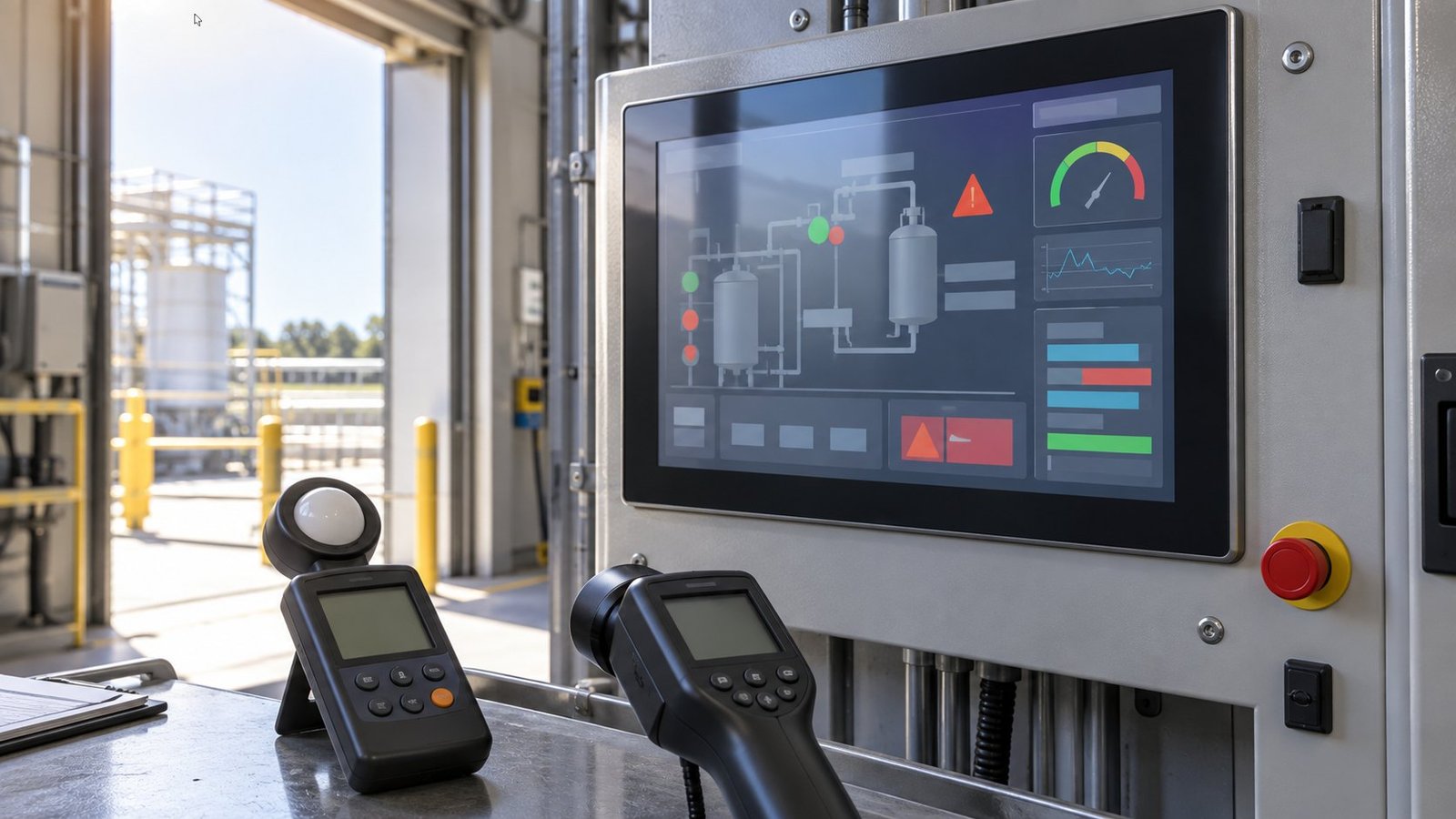
- Photograph the same alarm or HMI screen from the real viewing angle. Check whether text and alarm boundaries remain distinct. Failure mode: washed-out text when reflected ambient light overwhelms UI contrast.
- Repeat the lux reading, luminance measurement and photograph during the worst glare period. If the panel is at maximum brightness, note heat and any visible loss of consistency. Failure mode: readability degrades after sustained high-brightness operation.
See also: industrial display monitors
What must IronView record for each monitor size?
IronView should publish one completed commissioning row for every 17.3-inch, 18.5-inch and 19-inch industrial monitor. Replace each bracketed field with the exact shipped model or SKU, rated brightness, front-glass construction and one measured front-luminance result. Do not publish a nominal value as a measured result.
| Monitor size | Exact model/SKU | Rated brightness | Front-glass construction | Measured result |
|---|---|---|---|---|
| 17.3-inch | [insert exact IronView model/SKU] | [insert rated brightness] cd/m² | [record bonded or air-gapped construction and surface treatment] | [insert median measured luminance] cd/m² |
| 18.5-inch | [insert exact IronView model/SKU] | [insert rated brightness] cd/m² | [record bonded or air-gapped construction and surface treatment] | [insert median measured luminance] cd/m² |
| 19-inch | [insert exact IronView model/SKU] | [insert rated brightness] cd/m² | [record bonded or air-gapped construction and surface treatment] | [insert median measured luminance] cd/m² |
The row is complete only when the result is tied to the installed position, recorded lux level, viewing angle and test time. That creates a traceable decision instead of a generic sunlight readable LCD display claim.
FAQ: sunlight readable industrial monitor commissioning
Is 500–700 cd/m² enough for production areas?
Yes, when strong indoor lighting or daylight is present without direct sun on the front glass. Confirm the result with the lux-to-luminance procedure.
Can a 300–500-nit monitor work in direct sun?
Wintouch’s comparison says this range is generally inadequate against roughly 10,000 nits of summer ambient light. Use a higher-rated monitor and verify its reflected contrast.
Why can a 1,500-nit anti-glare industrial monitor still fail?
A glossy air gap, poor viewing angle or unfavourable installation direction can raise reflected light above usable UI contrast. Measure the finished installation rather than relying on the rating.
How should you approve the final monitor?
Approve the monitor only when its measured luminance, front-glass construction and photographed alarm screen match the installed light condition. Use the IronView sunlight readable industrial monitor range as the starting point, then attach the completed 17.3-inch, 18.5-inch or 19-inch commissioning record to your specification →