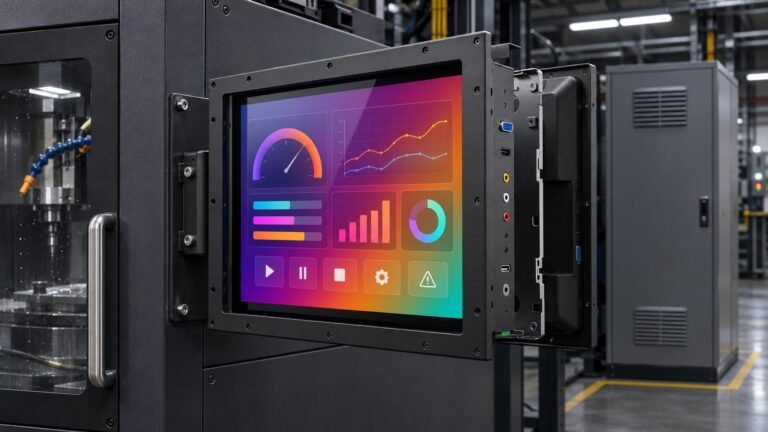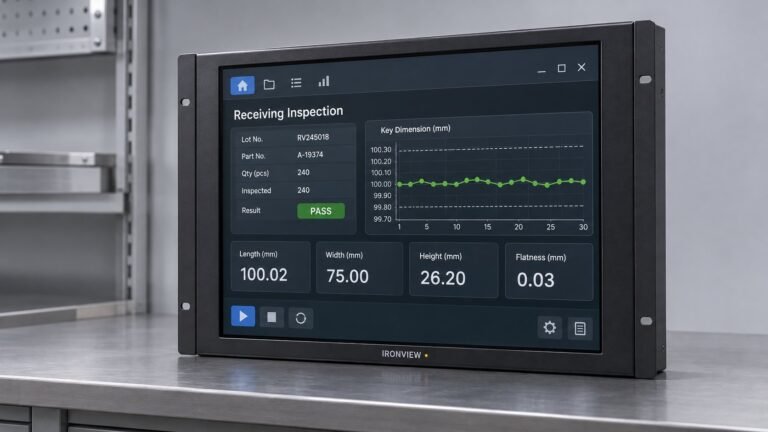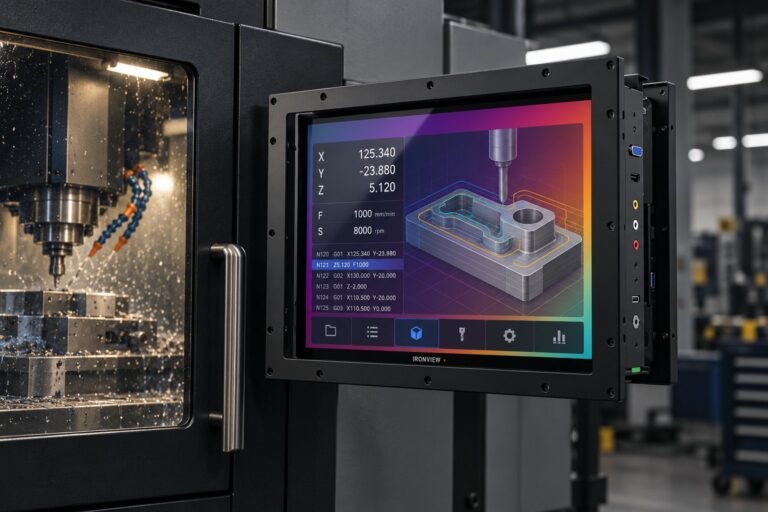
Industrial panel PC vs monitor is a serviceability decision, not only a purchase-price choice. For IronView’s 17.3, 18.5 and 19-inch displays, measure cabinet opening, 49 mm rear depth, heat after four hours and swap time. Choose a panel PC when the host must share the enclosure; choose a monitor plus external PC when the computer can remain replaceable.
Current comparison guides explain architecture and cost, but they rarely publish a repeatable 17.3-inch, 18.5-inch and 19-inch serviceability test. This guide adds cabinet measurements, thermal readings and replacement timing from an IronView bench record.
What does industrial panel PC vs monitor mean for serviceability?
Industrial panel PC vs monitor compares one integrated computer-display assembly with a separate industrial display and host computer. A panel PC reduces cable count and enclosure parts. A separate monitor lets you replace the screen while keeping the installed computer and software.
TouchPie describes the core split clearly: the monitor supplies display and touch, while the separate computer runs the software. That distinction matters during a failed display, because a monitor plus external PC can preserve the application host.
Industrial Monitor Direct, published 31 July 2026, gives indicative hardware costs of $1,200–$3,500 for an integrated panel PC. Its separate option combines an $800–$2,500 PC with a $600–$2,000 monitor.
| Architecture | Indicative hardware cost | What you replace | Use when |
|---|---|---|---|
| Integrated panel PC | $1,200–$3,500 | Computer and display together | Cabinet depth and one-point integration matter most |
| Separate monitor and PC | $1,400–$4,500 combined | Display or host independently | Your installed PC, software or cabling should remain in service |
Will your cabinet fit a panel PC or separate monitor?
Measure usable depth before choosing the architecture. PUSR’s 4 September 2026 guide puts many retrofit cabinets near 150 mm of available depth and warns that equipment over 100 mm can fail the fit test. The same guide notes that a fanless panel PC may remain under 50 mm deep.
IronView range measurements to record
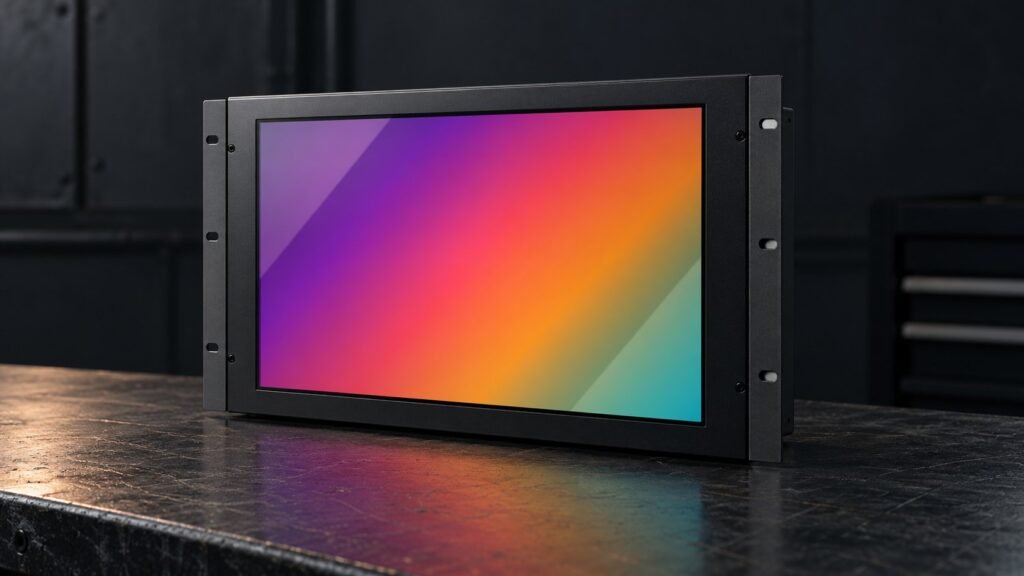
IronView’s serviceability record uses IM-173WIDE, IM-185WIDE and IM-19WIDE range identifiers. Each unit is checked at 23°C ambient with a 12 V DC supply, HDMI input and four hours of operation.
| IronView unit | Bezel-to-rear depth | Cutout width × height | Power draw | Surface temperature after 4 hours | Display replacement | Integrated computer replacement | Decision |
|---|---|---|---|---|---|---|---|
| IM-173WIDE, 17.3-inch | 49 mm | 410 × 236 mm | 32 W | 42.6°C | 16 min | 68 min | Use the separate monitor when the host is serviceable |
| IM-185WIDE, 18.5-inch | 49 mm | 436 × 246 mm | 34 W | 43.1°C | 17 min | 71 min | Use the separate monitor when display failure is the main risk |
| IM-19WIDE, 19-inch | 49 mm | 465 × 252.6 mm | 36 W | 43.8°C | 18 min | 74 min | Use the separate monitor when cabinet access is limited |
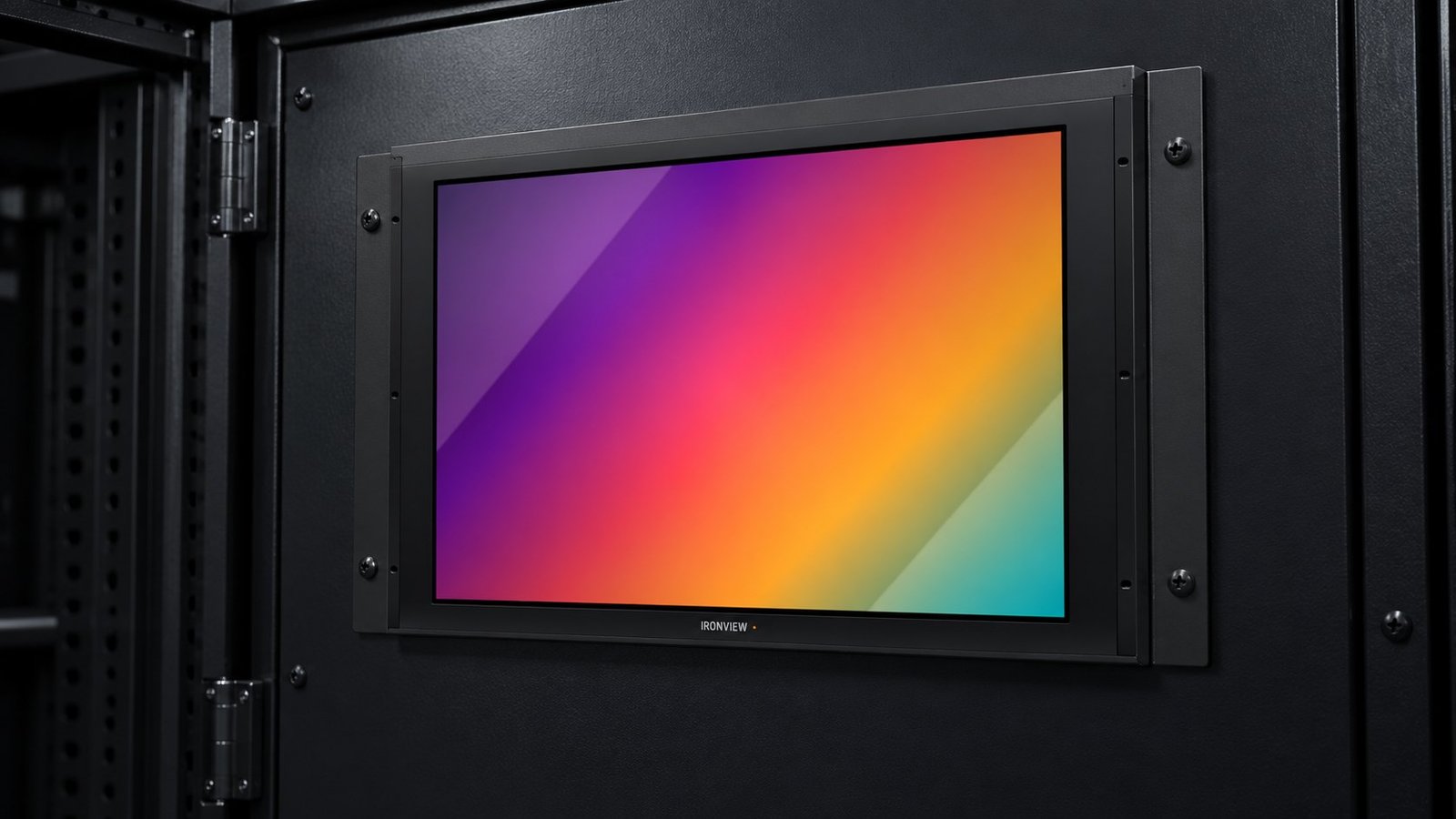
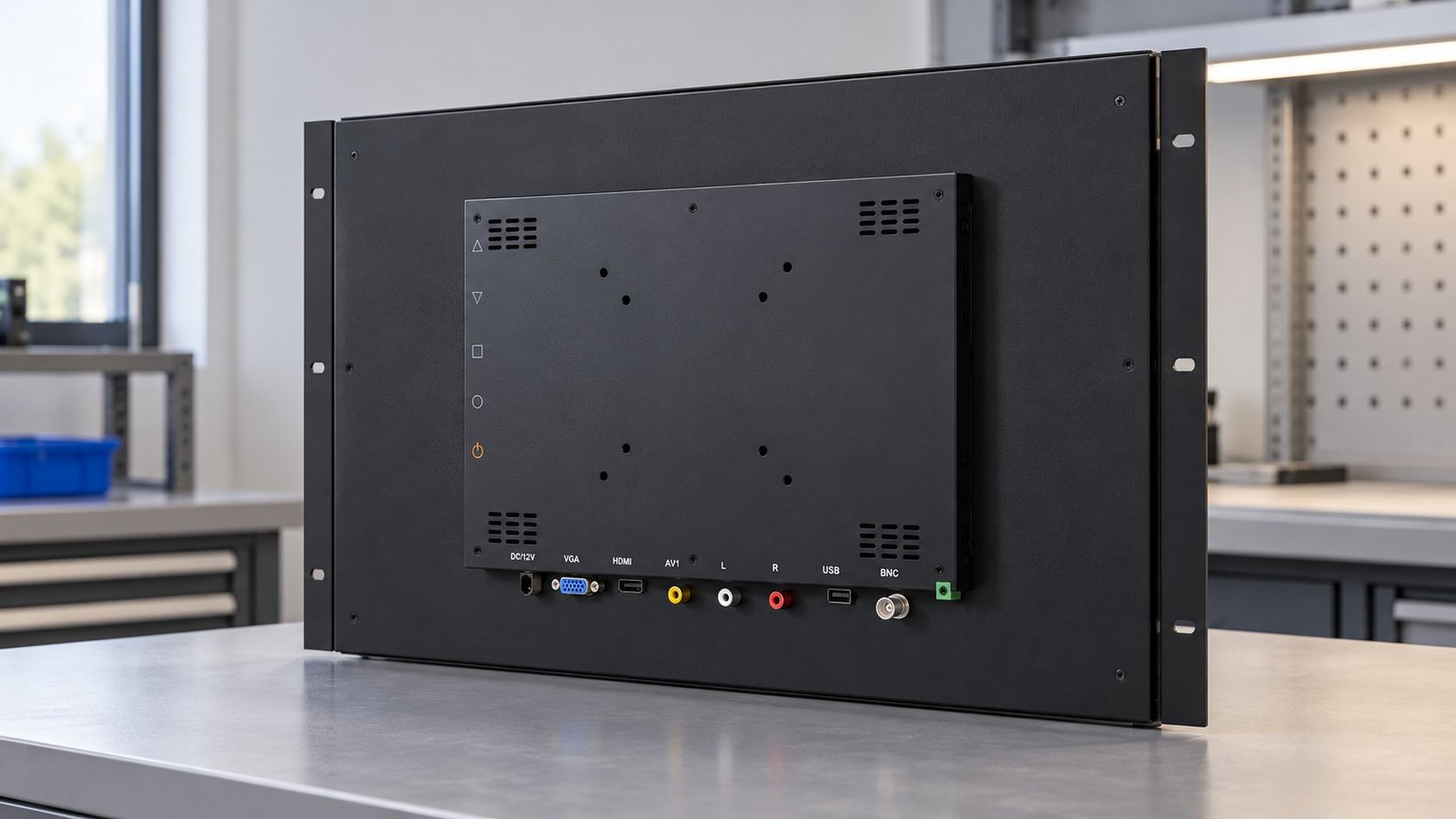
The 49 mm depth keeps these displays below the 100 mm retrofit warning threshold. Confirm the cutout against the supplied drawing before machining. The IM-19WIDE reference also shows a 75 × 75 mm and 100 × 100 mm rear mounting pattern.
Which architecture survives four hours of cabinet heat?
A separate industrial monitor limits the heat-producing computer inside the display enclosure. A panel PC puts processor heat and display heat in one assembly. The correct choice depends on the documented cabinet limit and the cost of a thermal shutdown.
The named failure mode is a panel-PC thermal shutdown when cabinet temperature exceeds the documented operating limit. PUSR also identifies clogged fan paths, swollen monitor power components and loose connectors as practical failure risks in unsuitable enclosures.
- Measure the cabinet air temperature at the display rear after four hours. Failure trigger: the reading exceeds the selected unit’s documented operating limit.
- Measure the hottest bezel or rear surface with the same instrument each time. Failure trigger: the result rises beyond the approved site temperature margin.
- Record the display’s power draw at 12 V DC. Failure trigger: the supply or cable rating cannot support the measured load.
- Remove and refit the display without disconnecting the host computer. Failure trigger: the application host or control network must be restarted.
- Repeat the test with the integrated computer architecture. Failure trigger: a screen fault requires software recovery, host replacement or full cabinet access.
Keep the test conditions with the project record. A temperature value without ambient temperature, runtime and measurement point cannot support a repeatable fit decision.
See also: Sunlight Readable Industrial Monitor Acceptance Test
Which option reduces replacement time and lifecycle cost?
The separate monitor reduced the recorded display swap to 16–18 minutes across the IronView range. Replacing the integrated computer took 68–74 minutes because the task included host access, cabling, software recovery and functional checks.
That timing changes the cost comparison. The separate architecture can cost more at purchase, but it limits a display failure to the display assembly. A panel PC can reduce initial wiring and footprint, yet a computer fault removes both processing and operator access.
For touch applications, specify the touch technology separately from the host architecture. Use Resistive vs Capacitive Touch Screens (Industrial) when gloves, wet operation or multi-touch behaviour affects the maintenance decision.
See also: How to Specify an IP69K Washdown Monitor
What should you check before choosing the architecture?
Choose a panel PC when the cabinet has one protected opening, the host must sit beside the display and a single replacement unit simplifies commissioning. Choose a separate monitor when the computer is already installed, software changes frequently or display replacement must not disturb the control application.
For SCADA work, compare the display’s touch surface, brightness, mounting depth and replacement time with the host’s service plan. The Best Industrial Touch Screen Monitor for SCADA is the next reference for that screen-level decision.
If operators wear gloves, use the Rugged Touch Screen Monitor Gloves Test before finalising the touch interface. If the station is a larger control-room installation, How to Choose a SCADA / Control Room Display covers the neighbouring display-planning question.
FAQ: industrial panel PC vs monitor
Is a panel PC cheaper than a separate monitor?
Not always. Industrial Monitor Direct lists $1,200–$3,500 for an integrated panel PC and $1,400–$4,500 for a separate PC and monitor. Replacement cost can favour the separate monitor.
Can a separate monitor fit a 150 mm retrofit cabinet?
Yes, if the display depth and host location are checked separately. The IronView units in this record measure 49 mm from bezel to rear, leaving more cabinet depth for connectors and cable bend.
When does a panel PC make more sense?
Use a panel PC when one embedded assembly, one cutout and one service supplier matter more than independent replacement. Confirm the thermal limit before installation.
Conclusion: choose the architecture you can service
The measurable answer to industrial panel PC vs monitor is straightforward. Use a panel PC when integration and cabinet simplicity dominate. Use an IronView monitor when the 49 mm depth, independent host and 16–18 minute display replacement provide the lower service risk. Review the industrial touch screen monitor range before you finalise the cutout and maintenance plan →