
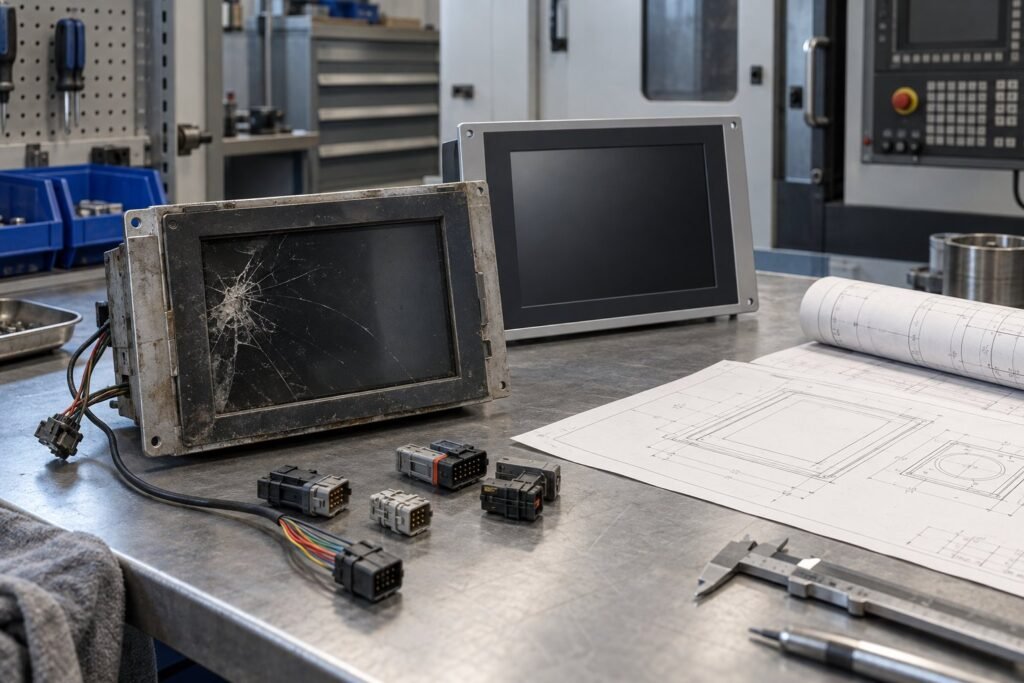
Industrial monitor replacement should begin with evidence, not diagonal size. If your machine must keep running, preserve its mechanical envelope, connector and pinout, interface and timing, optical behaviour, environmental limits, and expected demand. I am Ashkan, an Industrial monitor engineer at IronView. This workflow is for replacing a failed or discontinued display without approving an untested “drop-in” substitute.
The risk is both technical and commercial. An obsolete industrial LCD may still be needed for a machine with another 5 years of service ahead. The replacement must work in the existing controller and remain available for the required project life. CXW Display’s 12 August 2026 workflow and AUO’s Q2 2026 lifecycle guidance provide useful evidence for that decision.
Industrial Monitor Replacement Starts with Evidence
Freeze the installed baseline before requesting alternatives. Photograph the original display in position, then record its model, part number, revision, mounting points, cable route, and surrounding clearances. A damaged sample still reveals useful construction details. A working sample also allows optical and functional comparison.
Record the machine’s real requirements
Build one evidence pack that separates known facts from assumptions. Include the following:
- Original model, part number, revision, sample photographs, and equipment model.
- Drawing, cutout dimensions, overall outline, mounting points, and display depth in millimetres.
- Connector type, position, FPC shape, pinout, supply voltage such as 12 V or 24 V, and backlight drive.
- Native resolution, refresh rate, signal interface, timing values, reset behaviour, and controller limitations.
- Brightness in nits, contrast, viewing direction, polariser, colour requirements, and cover-glass construction.
- Touch technology, bezel arrangement, sealing details, operating temperature, storage temperature, vibration, humidity, and required IP code such as IP65.
- First order quantity, annual volume, failure replacement rate, and expected project or maintenance life.
Do not infer electrical compatibility from connector shape. Two 30-pin connectors can use different pin assignments, logic levels, timing, or backlight currents. Record what the host board actually supplies. If the controller cannot accept new initialisation commands, that limitation becomes a selection gate.
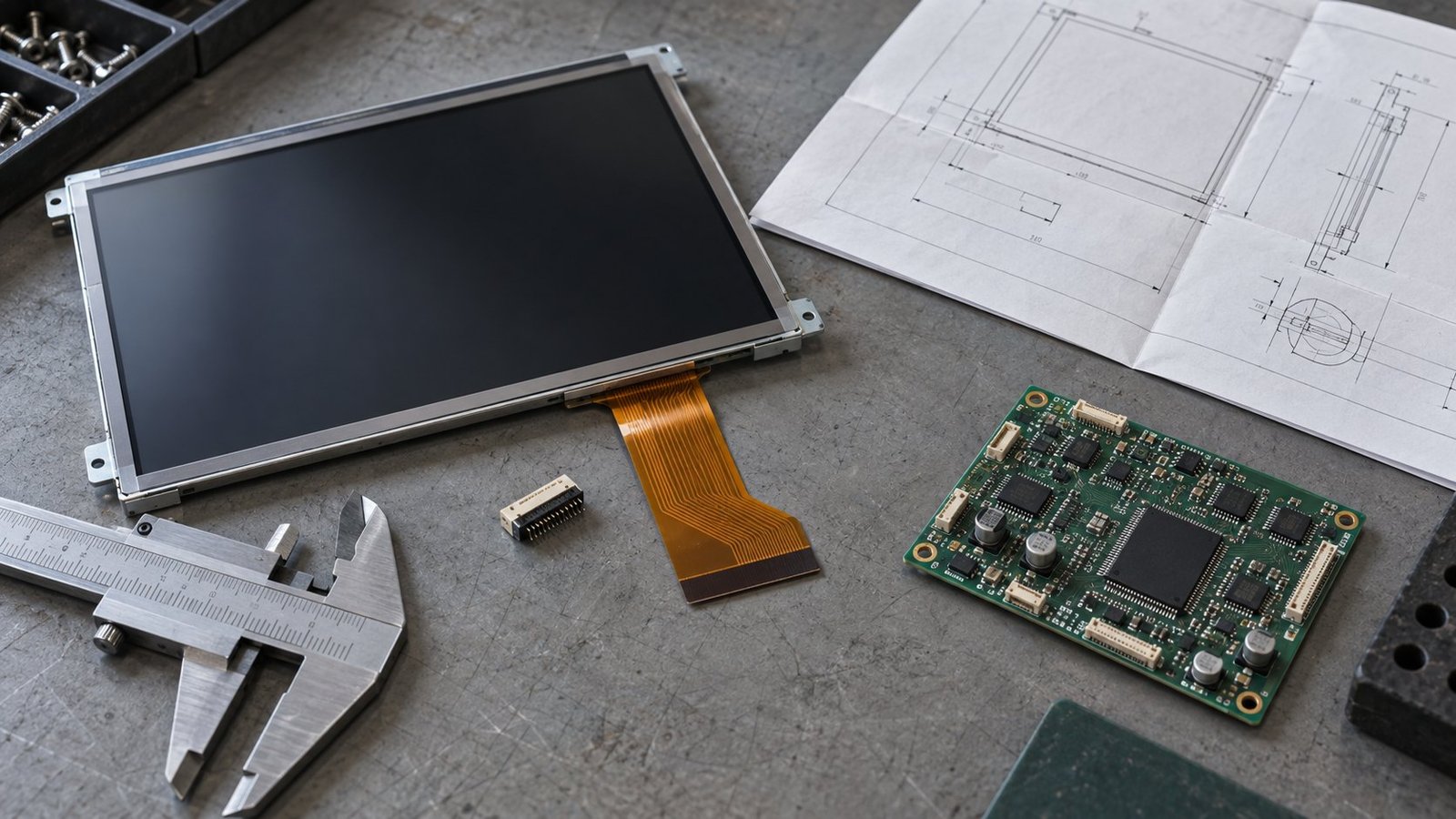
See also: How to Specify an IP69K Washdown Monitor
Use Compatibility Gates Before You Compare Prices
Treat compatibility as several approval gates, not one supplier claim. Mechanical fit covers the outline, cutout, depth, mounting and cable path. Electrical fit covers voltage, pinout, interface, timing, reset and backlight load. Optical fit covers brightness in nits, viewing direction, contrast, colour, touch response and cover glass. Environmental fit covers temperature, ingress, vibration and operating hours.
Use the Industrial Monitor Spec Glossary to standardise the terms in your internal request. Then place the original sample and proposed replacement side by side. Measure the parts. Compare the drawings. Mark every value as guaranteed, measured, estimated, or quote-specific.
Let the controller decide
CXW Display’s workflow recommends validation in the actual controller. Follow that recommendation. Bench power-up alone will not reveal every issue. Test startup, menus, alarms, graphics, touch input, dimming, sleep states, recovery after power interruption, and every display state used by your machine.
- Check mechanical seating, connector engagement, cable bend radius, and access to service fasteners.
- Run the controller through all operating states at the installed supply voltage, including 12 V or 24 V where applicable.
- Measure readability at the required viewing position and under the actual ambient light.
- Run an extended temperature and operating test, recording backlight current and visible instability.
- Repeat the test on each equipment revision that remains in service.
A replacement can pass a dimensional check and still fail at initialisation or under heat. Approval belongs to the tested combination of display, cable, controller, firmware, enclosure and operating conditions.
See also: Industrial Monitor Input Ports: Source Match Guide
Manage Industrial Monitor EOL as a Procurement Date
AUO’s Q2 2026 lifecycle guidance states that industrial equipment commonly takes 5–10 years from design through certification, production and maintenance. It offers at least a 3-year lifecycle commitment from mass-production shipment, with longer supply periods negotiated for suitable projects. It also recommends written EOL notification more than 1 year before discontinuation.
Use those figures as planning inputs, not as a guarantee for every supplier or model. An industrial monitor EOL notice should trigger a controlled review of installed units, open orders, service stock, new production, qualification time, and the remaining project life. Your replacement plan should exist before the last purchase window.
Turn demand into a stocking decision
Estimate demand for the next 3–5 years. Include installed equipment failures, units needed for new orders already committed, minimum order quantities, packaging constraints, and the time required to validate an alternative. AUO’s guidance also discusses adding a 10–20% buffer to the estimated requirement. Apply that buffer only after checking storage life, cash exposure, and failure history.
Ask the supplier for written dates: current availability, last-time-buy deadline, final shipment date, alternative model status, and change-notification terms. Keep the approved specification under revision control. A verbal statement that a model is “available” does not define how long it will remain available.
Ask IronView for Quote-Specific Proof
IronView supplies 17.3-inch, 18.5-inch and 19-inch industrial monitors. Those sizes may suit different machine revisions, but the diagonal alone does not establish compatibility. Send the evidence pack and ask for first-hand detail against your exact application.
- Can you provide the current fit drawing, cutout dimensions, overall depth, mounting details, connector position, and cable route?
- Which 17.3-inch, 18.5-inch or 19-inch models are currently available, and what quantity or annual demand assumptions support that statement?
- What change-notification policy applies to the panel, controller, touch layer, cover glass, backlight, firmware, and connector?
- What is the sample-validation process, including controller testing, temperature duration, brightness measurement in nits, and approval records?
- Which specifications are guaranteed as standard, and which are quote-specific, project-dependent, or subject to engineering review?
Request the answer in writing. Pay particular attention to brightness, touch construction, IP65 or another required ingress rating, operating temperature, interface timing, and supply voltage. A specification that appears on a product family page may not apply to the exact configuration quoted for your machine.
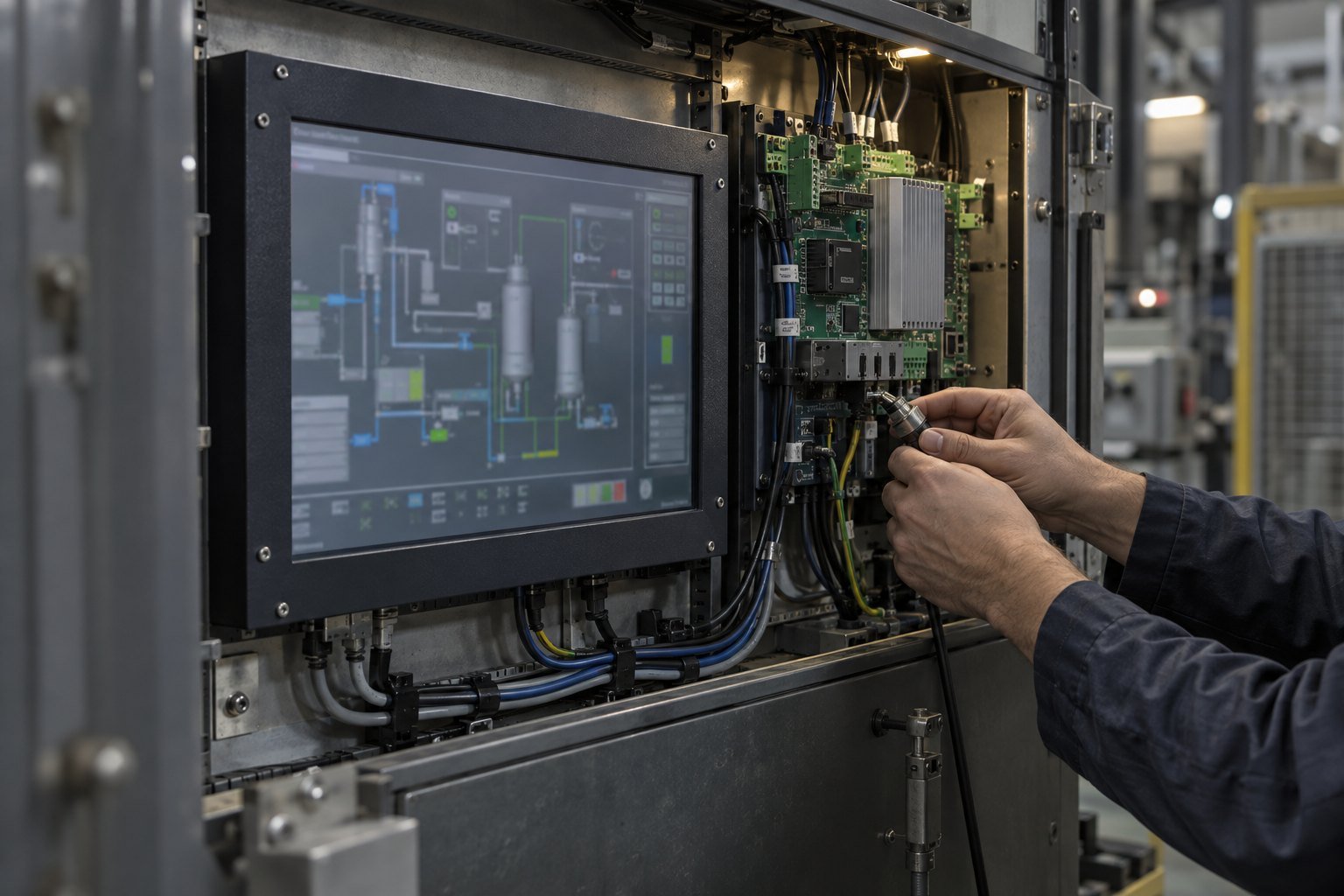
Approve the Replacement Against a Controlled Baseline
Once the sample passes, record the approved model, hardware revision, firmware, cable, touch option, cover-glass construction, brightness range, colour setting, temperature limits, and inspection criteria. Include photographs of the installed sample. Production purchasing should reference this controlled baseline rather than a generic product name.
If you need a converter board, adapter, revised cable or software change, list it as part of the solution. That may be practical, but it is no longer a direct replacement. Treat the added part as another qualification item with its own availability, heat, space, service and change-control risks.
For application context, review IronView’s industrial monitor applications and compare them with your machine’s environment. The useful question is not whether a monitor fits a category. It is whether the quoted configuration satisfies your measured requirements for the full service period.
Industrial Monitor Replacement FAQ
Can I approve a replacement from the same screen size?
No. A 19-inch display can differ in outline, depth, pinout, timing, brightness, touch construction and controller behaviour. Validate the actual sample in the machine.
What if the original drawing is missing?
Use the original sample, clear photographs, measured cutout and depth, PCB information, connector details and equipment revision. Treat unknown electrical values as open risks until verified.
How early should I plan for an industrial monitor EOL?
Start when the machine still has demand. AUO recommends written notification more than 1 year before discontinuation, but your validation and stock decision may require several months.
Does IronView guarantee every listed specification?
Not automatically. Ask which values are guaranteed for the quoted configuration and which depend on volume, touch, cover glass, interface, temperature range or project-specific engineering.
Keep the Machine Running with Evidence
A reliable replacement preserves the machine’s verified behaviour and gives procurement a defensible supply plan. Start with the original model, drawing, cutout, depth, connector, pinout, timing, optics, environment, demand and project life. Then ask IronView for fit drawings, availability, change control, sample validation and guaranteed specifications. Send your evidence pack through our industrial monitor replacement assessment and quote request →


