
A wide temperature industrial monitor is only as reliable as the conditions behind its published range. The headline figures are useful, but they do not tell you how the unit starts, sheds heat, handles humidity or protects brightness.
Senke’s 7 September 2026 launch makes the comparison timely. Its new panel PC series lists bands of -10°C to 60°C, -20°C to 70°C, and -30°C to 80°C with integrated LCD heating. As an IronView industrial monitor engineer, I would treat those figures as the start of a technical discussion, not the final buying decision.
What a wide temperature industrial monitor range tells you
Start by asking what the range describes. An operating temperature range normally refers to powered operation after the electronics have reached a stable state. It may not cover storage, transport, cold start or the temperature at the panel surface. Those are separate boundaries and should appear separately in a quotation.
Senke lists three operating bands, including an extreme option from -30°C to 80°C with integrated LCD heating. The heating element addresses a specific cold-start and liquid-crystal response problem. It does not automatically prove that every connector, power component, processor or storage device behaves identically across that band.
You should also distinguish ambient air from the temperature inside your enclosure. A monitor installed against a warm steel panel can see less cooling than a unit tested in open laboratory air. Sunlight, nearby drives, sealed cabinets and restricted clearance can add heat. The same wide temperature industrial monitor can therefore have different margins in two installations.
Look for the measurement point and test duration. Ask whether the lower and upper figures apply to ambient air, internal sensors or the LCD module. Ask whether the test covers continuous 24/7 duty. A short pass at 70°C is not equivalent to stable operation through repeated daily cycles.
The useful question is not simply, “What is the widest number?” It is, “Which boundary matches my worst case, and what margin remains?” A 10°C margin may matter more than a headline extension from 60°C to 80°C if your cabinet routinely traps heat.
Separate the industrial monitor temperature range from startup limits
Operating, storage and cold start
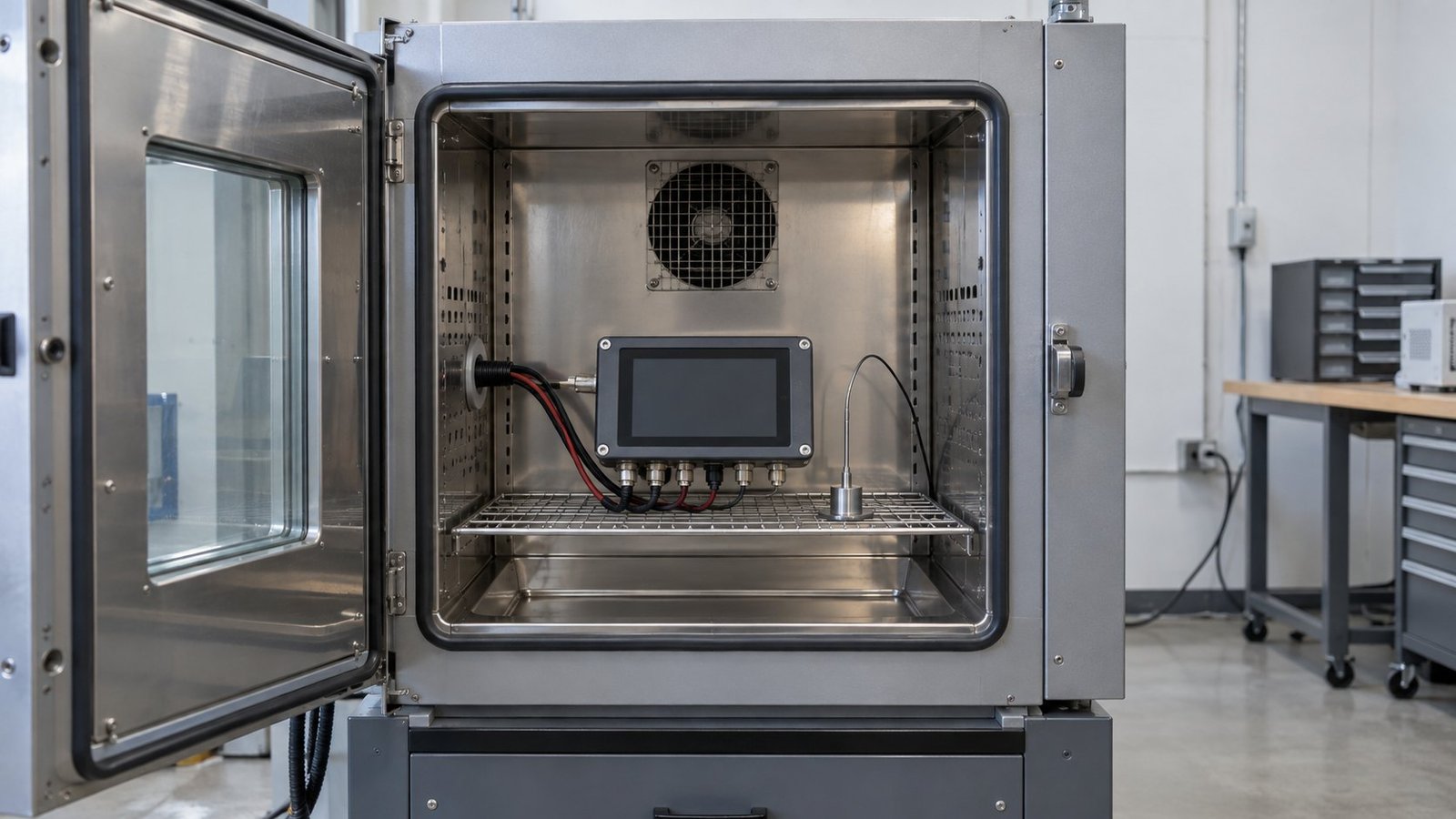
For an industrial monitor temperature range, request at least three lines: operating temperature, non-operating storage temperature and startup temperature. Storage may cover an unpowered unit in transit. Startup concerns the first seconds after power is applied. The display may need a warmer panel or a controlled ramp before it reaches a usable image.
Cold-start behaviour should be specific. Ask whether the monitor boots immediately at -20°C, shows an image after a delay, or requires a heater. Ask whether touch input is available during warm-up. If your line restarts after a power interruption, a range that only applies after stabilisation may not protect your process.
Humidity, condensation and brightness
Temperature changes can create condensation even when the final operating figure looks acceptable. Senke says its full-lamination construction prevents internal condensation. Ask which test conditions support that statement, including humidity, temperature transition and power state. Your enclosure may experience a different cycle during a night shutdown or a washdown routine.
Brightness also needs a temperature context. IronView offers sunlight-readable, high-brightness panels for outdoor and in-vehicle use, while Senke lists brightness options up to 1000+ nits. Ask whether the stated brightness is available across the full range or reduced at high temperature to protect the backlight.
This is where an industrial monitor thermal rating becomes practical. A rating should tell you what remains within specification, not only what survives briefly. Confirm image stability, touch response, backlight output, power draw and restart behaviour at the temperatures you expect.
See also: How to Specify an IP69K Washdown Monitor
Display-only monitor or panel PC?
Do not transfer a panel PC temperature claim directly to a display-only monitor, or the reverse. A panel PC contains a processor, memory, storage and operating system. Those parts can create internal heat and impose different limits from the LCD, touch controller and display power board.
Senke’s announcement concerns panel PCs for factory automation. It names Android 11 as standard, with Linux and Windows options on some models. Processor choice, storage type, memory configuration and software load can change the thermal result. A unit running a dashboard may have a different internal temperature from one performing edge processing.
IronView publishes a -20°C to 60°C platform range for its industrial monitors. The homepage also specifies fanless thermal design, 24/7 continuous duty, a metal chassis, 9–36 V DC input and a 50,000-hour panel MTBF. These are useful platform details, but they still need installation evidence for your cabinet and duty cycle.
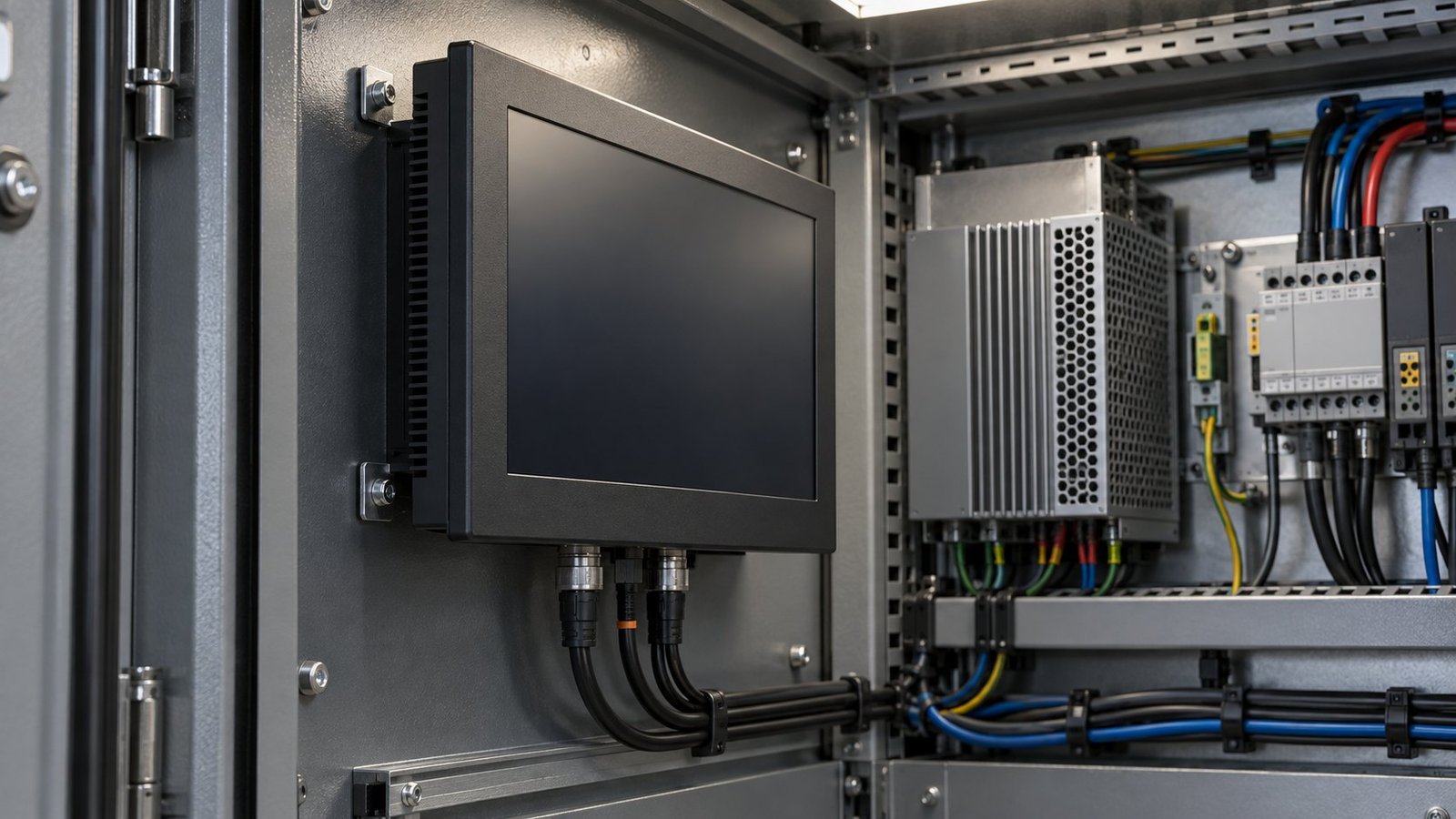
A fanless industrial display removes moving parts and avoids fan maintenance, but it still relies on conduction and natural convection. The metal chassis must transfer heat into the surrounding air or mounting structure. If the unit is boxed into a narrow recess, the stated range may leave less practical margin.
Ask IronView engineering to confirm the test conditions behind the published range. Request the cold-start behaviour, airflow assumptions, mounting clearances and any field evidence from comparable installations. If your application uses 24/7 duty, provide the cabinet size, nearby heat sources, expected ambient cycle and supply voltage.
See also: Best Industrial Touch Screen Monitor for SCADA
Put thermal evidence into your monitor quotation
A useful quote request turns the temperature discussion into checkable lines. Include the worst ambient condition, not the average. State whether the monitor is powered continuously, restarted daily or exposed to long unpowered periods. Include the required brightness and whether touch must work during cold start.
- Operating limit — give the required ambient range, such as -20°C to 60°C.
- Storage limit — request the unpowered transport and storage range.
- Cold start — ask for boot time, image availability and touch behaviour at the minimum temperature.
- Humidity cycle — specify expected humidity and ask how condensation was tested.
- Airflow — state whether the enclosure is open, sealed or naturally ventilated.
- Clearance — provide the space behind and around the chassis in millimetres.
- Heat sources — list nearby drives, power supplies, sunlight exposure and warm panels.
- Brightness — request output in nits at the upper operating temperature.
- Duty cycle — confirm whether the evidence covers 24/7 operation and repeated restarts.
- Field evidence — ask for comparable deployments, observed limits and failure modes.
Use the answers to compare like with like. A supplier that provides -30°C to 80°C may have the right solution for your site, but only if the test method, heater behaviour and internal components match your use. A narrower published range with known margins can be the better engineering choice.
For IronView’s 17.3″, 18.5″ and 19″ monitors, request the relevant mechanical drawing as well as the thermal data. The drawing lets you check rear clearance and panel contact before installation. You can also review terminology in the Industrial Monitor Spec Glossary before sending the requirements to engineering.
FAQ: wide temperature industrial monitor ratings
Is a wider temperature range always better?
No. A wider number is useful only when its test conditions match your installation. Confirm cold start, humidity, airflow, clearance, brightness and continuous duty before comparing ranges.
What should I ask about storage temperature?
Ask for a separate unpowered storage range. Do not assume an operating claim also covers transport, warehouse storage or recovery after a cold soak.
Does fanless design remove thermal risk?
No. Fanless cooling removes a moving component, but heat still needs a path through the chassis and surrounding air. Confirm the clearance and airflow assumptions.
Conclusion
Specify the complete thermal case before selecting a wide temperature industrial monitor. Compare operating, storage and startup limits. Add humidity, condensation, airflow, enclosure heat, brightness derating and 24/7 duty to the quote. IronView publishes -20°C to 60°C with fanless thermal design and a metal chassis. Ask engineering for the evidence behind that range, then review the IronView industrial monitor range for your installation →
— Ashkan, IronView Industrial monitor engineer


