
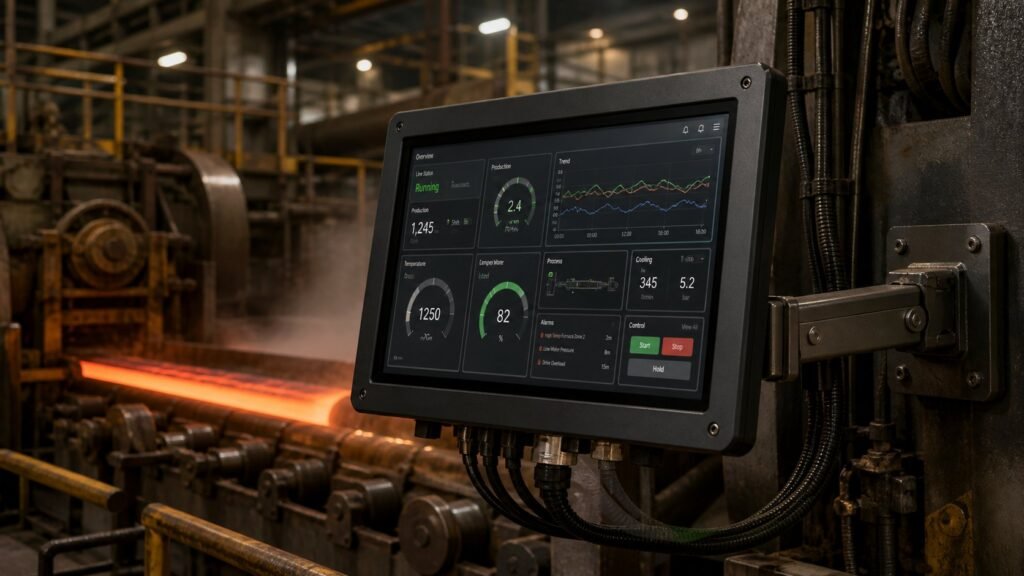
An industrial monitor does one job well: put machine and process data in front of the operator, reliably, in an environment that would kill a consumer screen. Wireless sensor research from smart sensor platform work groups real deployments into two families — instrumentation control and predictive maintenance — and both need a display that survives the plant floor as well as the sensor network feeding it.
This guide walks through where an industrial monitor sits in each application, what the underlying sensor and control architecture demands from the screen, and how to match panel mount, rack mount, open frame or touch screen formats to the job.
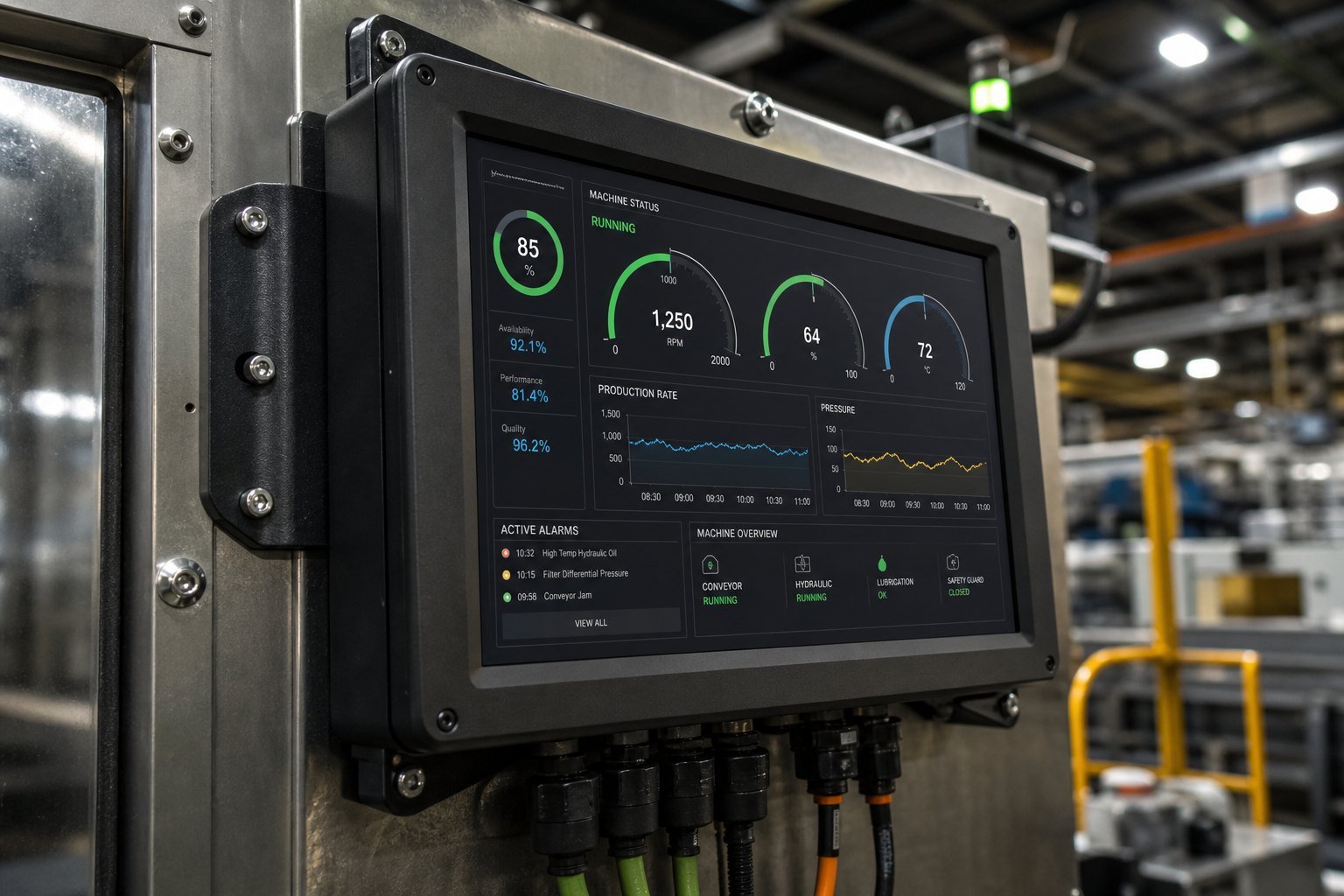
What Industrial Monitor Applications Actually Cover
Strip away the marketing language and an industrial monitor application is just a place where a screen has to survive the process it’s reporting on. Wireless smart sensor research splits industrial deployments into two working patterns — instrumentation, and predictive maintenance. In instrumentation, the monitor shows live control parameters: speed, position, flow. In predictive maintenance, it shows equipment state over time, so a technician can act before a bearing or a motor fails. Security, access control and line monitoring all borrow from one of these two patterns, but the industrial HMI display at the centre stays the same.
Instrumentation and Closed-Loop Control
Instrumentation applications run sensors and actuators in constant communication, adjusting speed, position or torque in real time. The system tolerates almost no lag — a display that stutters, or a touch panel that misses an input, can push a control loop out of tolerance. Fault tolerance matters too: if a communication link or a node drops out, your monitor needs to show that failure immediately, not freeze silently on the last good frame.
Open-Loop vs Closed-Loop Displays
Open-loop setups show status without feeding it back into control — a flow reading on a panel, for example. Closed-loop setups use the same data to adjust a process automatically, and the monitor becomes a supervisory window rather than the control path itself. Either way, you specify the screen for readability under vibration and for a response time that keeps up with the control loop, not just the eye.
Predictive Maintenance Monitoring
Predictive maintenance tracks the condition of a machine — vibration, temperature, pH, wear — and flags it before a fault becomes a shutdown. To save power and bandwidth, these systems don’t transmit constantly. In practice, deployments fall into three patterns, each with different demands on the monitor that displays them:
- Event-based monitoring — the display stays idle until a threshold is breached, then jumps to an alert screen. Specify fast wake-from-standby and a high-contrast alarm state.
- Periodic monitoring — the monitor refreshes on a schedule to show wear trends, useful for catching a problem before a machine breaks down.
- Store-and-forward monitoring — data queues when the link drops (interference, scheduling, battery conservation) and posts once the connection returns, so the screen shows a timestamped history, not just a live value.
Where the Monitor Sits in a Wireless Sensor Architecture
Wireless sensor networks pair sensor and actuator nodes — accelerometers, gyros, position sensors, motors — with a central control unit over Wi-Fi, Bluetooth or RFID, in a point-to-point link. Your industrial monitor is that control unit’s face. It has to keep pace with several nodes reporting independently, hold a stable image while firmware and operating parameters update over the air, and stay legible in the same enclosure, cabinet or gantry as the equipment it supervises.
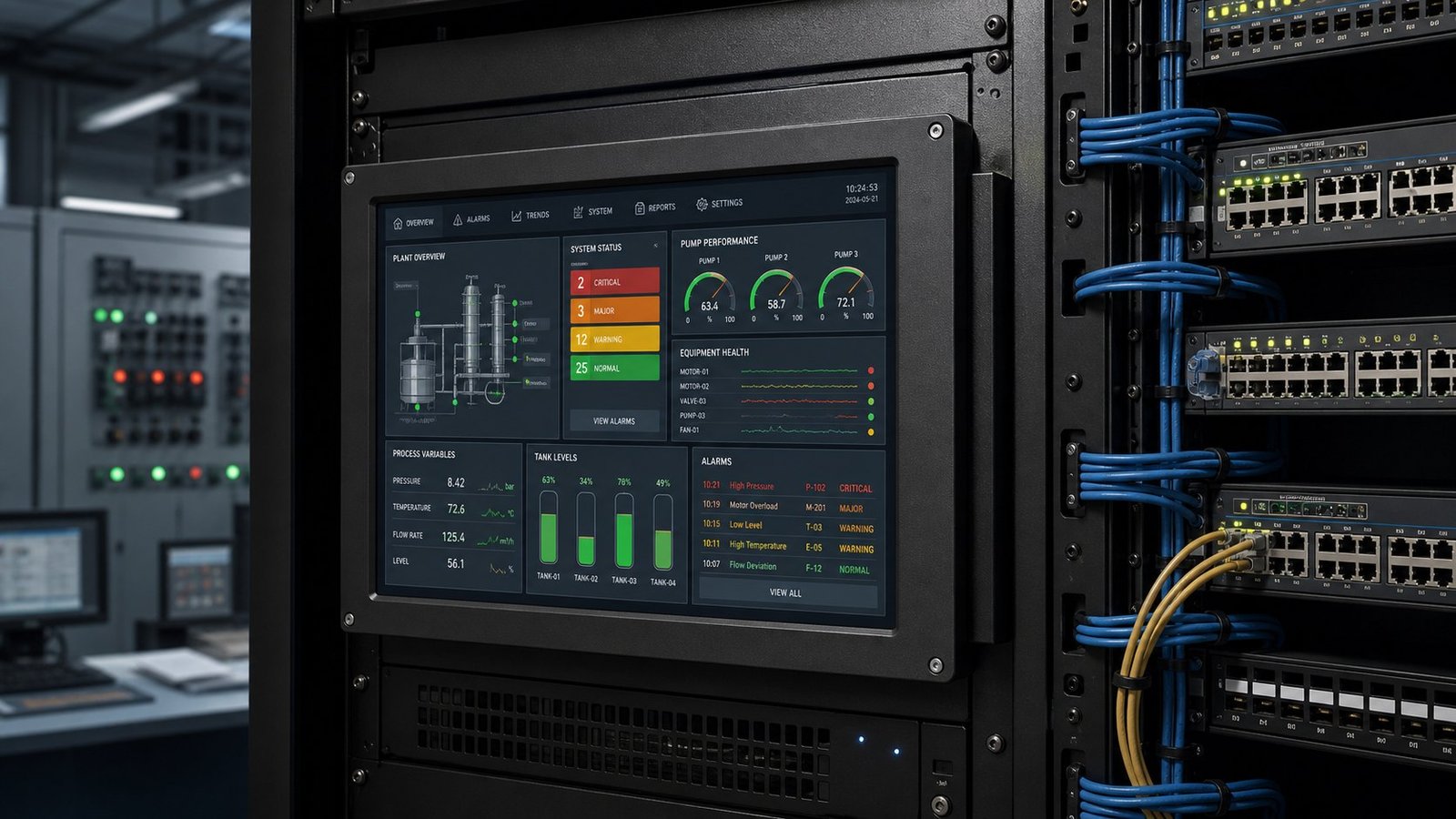
This is also where mounting format matters. A panel mount monitor integrates into an existing cabinet door. A rack-mount monitor suits a control room housing several node links at once. An open frame monitor gets built directly into custom machinery, without cabinet cutouts. Match the format to where the wireless link terminates, not just to the available panel space.
See also: Open Frame vs Panel Mount Monitor: How to Choose
Specifying an Industrial Monitor for Each Application
Once you know the application pattern, the spec sheet gets easier to read. For instrumentation, prioritise response time and a sunlight-legible panel — 700 to 1,000 nits — so operators read live values at a glance. For predictive maintenance, prioritise an IP65 or IP66 front bezel and a wide operating temperature range, since these units often sit in unconditioned space for years between service visits. A touch screen monitor suits both patterns if operators need to acknowledge alarms or drill into a trend graph directly, rather than working from a separate keypad.
IronView builds its range in 17.3″, 18.5″ and 19″ formats, at 12-24V DC, so you can standardise a screen size across instrumentation and predictive-maintenance stations on the same line without re-specifying enclosures each time. Full definitions for nits, IP codes and input voltage are in the Industrial Monitor Spec Glossary.
See also: Resistive vs Capacitive Touch Screens (Industrial)
FAQ
What’s the difference between an industrial monitor and a commercial display?
An industrial monitor is rated for the environment it works in — IP-rated sealing, a wide temperature range, a metal chassis, DC power input. A commercial display is rated for an office. Put a consumer screen in a washdown area or next to a vibrating motor and you’re replacing it within a year.
Can one industrial monitor handle both instrumentation and predictive maintenance data?
Yes, if the hardware and network support it. The display itself doesn’t care what’s feeding it — real-time control values or periodic wear trends — as long as the refresh rate and alarm handling suit the faster of the two.
Does wireless sensor monitoring change how I mount the monitor?
It changes where you can put it. Without a wired run back to the controller, you can mount the monitor wherever the RF link reaches — closer to the operator, further from noise sources — rather than wherever the cable allows.
Fitting the Right Monitor to Your Line
Every application above — instrumentation, predictive maintenance, or a wireless sensor network tying both together — comes down to the same choice: a screen built for the environment it has to survive. Browse the full IronView industrial monitor range to compare 17.3″, 18.5″ and 19″ industrial monitors by IP rating, brightness and mounting format for your application. →


