
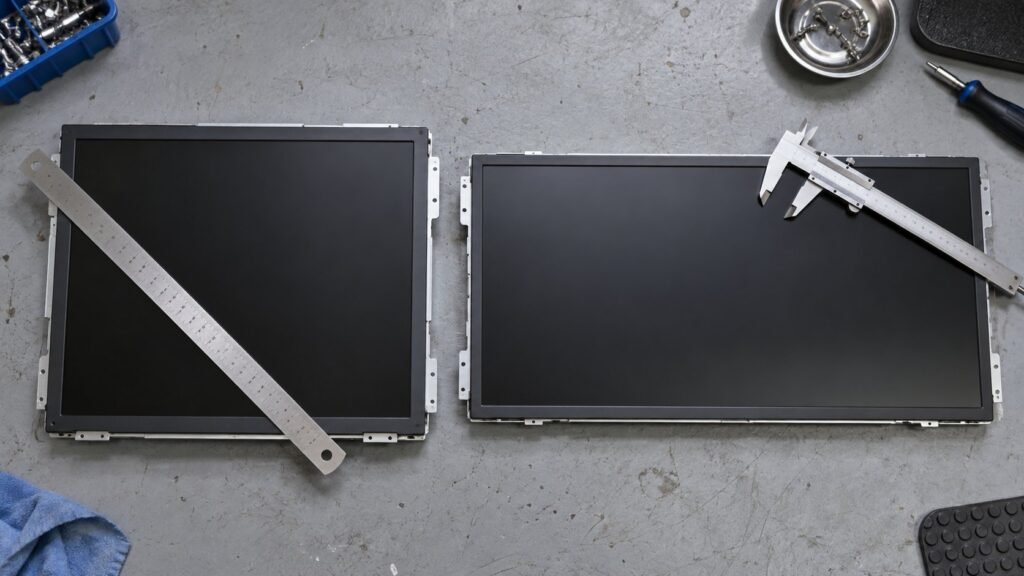
If your 19″ 1280×1024 screen is dead and no longer buildable, you are not replacing it like for like — you are choosing which compromise you can live with. The shortlist is three wide: 17.3″, 18.5″ and 19″. This post covers only that decision — visible image height against the old screen, what a legacy HMI does at 1920×1080, and whether the new unit fits your existing cutout.
Everything else about specifying a 19 inch industrial monitor — IP codes, touch technology, brightness — sits in our Industrial Monitor Spec Glossary. I am Ashkan, industrial monitor engineer at IronView, and this comes from the fit questions we answer every week.
Why your 5:4 panel died before the machine did
The mismatch is structural. YOURITECH’s Ortustech LCD EOL replacement guide puts industrial product life at 8 to 15 years, far longer than the lifecycle of the display components inside. Your press, filler or CNC is mid-life. The panel that shipped with it reached end of life years ago.
That same guide lists what an EOL event costs you: higher BOM prices, unplanned redesign, firmware changes, mechanical revalidation and spare-part drought. The 1280×1024 panel end of life problem lands on the mechanical revalidation line, and it usually arrives with a line already stopped.
The size band itself is healthy. Mordor Intelligence puts 14–21 inch units at 38.35% of the industrial display market, with LCD holding 61.45% of technology revenue, in a market worth USD 6.21 billion in 2026 growing at 5.35% CAGR to 2031. Volume did not leave your size. It left your aspect ratio.
See also: Industrial monitor
The sizes vendors actually stock
Check the catalogue before you calculate anything. Stealth’s rack mount KVM display range lists 17″, 17.3″ wide, 19″ and 19″ wide — the squarish 17″ and 19″ formats sit beside their widescreen equivalents rather than being replaced by them. That pattern holds across the class: 16:9 sizes are the ones with volume behind them, and a 5:4 SXGA industrial display replacement at true 1280×1024 is increasingly a salvage or last-time-buy purchase.
IronView builds three: 17.3″, 18.5″ and 19″. Each solves a different part of the same retrofit.
Visible image height decides this, not the diagonal
A 19″ 5:4 panel has an active area of roughly 376 x 301 mm. Image height is what your operator reads — trend bars, alarm banners, tank levels stacked vertically. Widescreen gives that height back reluctantly, because the diagonal spreads sideways.
Measured active areas across our units, against the 301 mm you are losing:
- 17.3″ wide — 382 x 215 mm active. Wider by 6 mm, but 86 mm shorter. Vertical HMI content gets tight.
- 18.5″ wide — 410 x 230 mm active. Close to the 5:4 outside width, 71 mm less image height.
- 19″ wide — 410 x 230 mm active in the 1366×768 class, or 420 x 236 mm at 1920×1080 depending on panel source. Ask which panel is in the unit you are quoted.
- Old 19″ 5:4 — 376 x 301 mm active, 1280×1024, 96 dpi.
None of the three matches 301 mm. Plan for 70–90 mm less image height and check your most crowded screen first — usually the alarm list or the batch recipe page.
What your legacy HMI does at 1920×1080
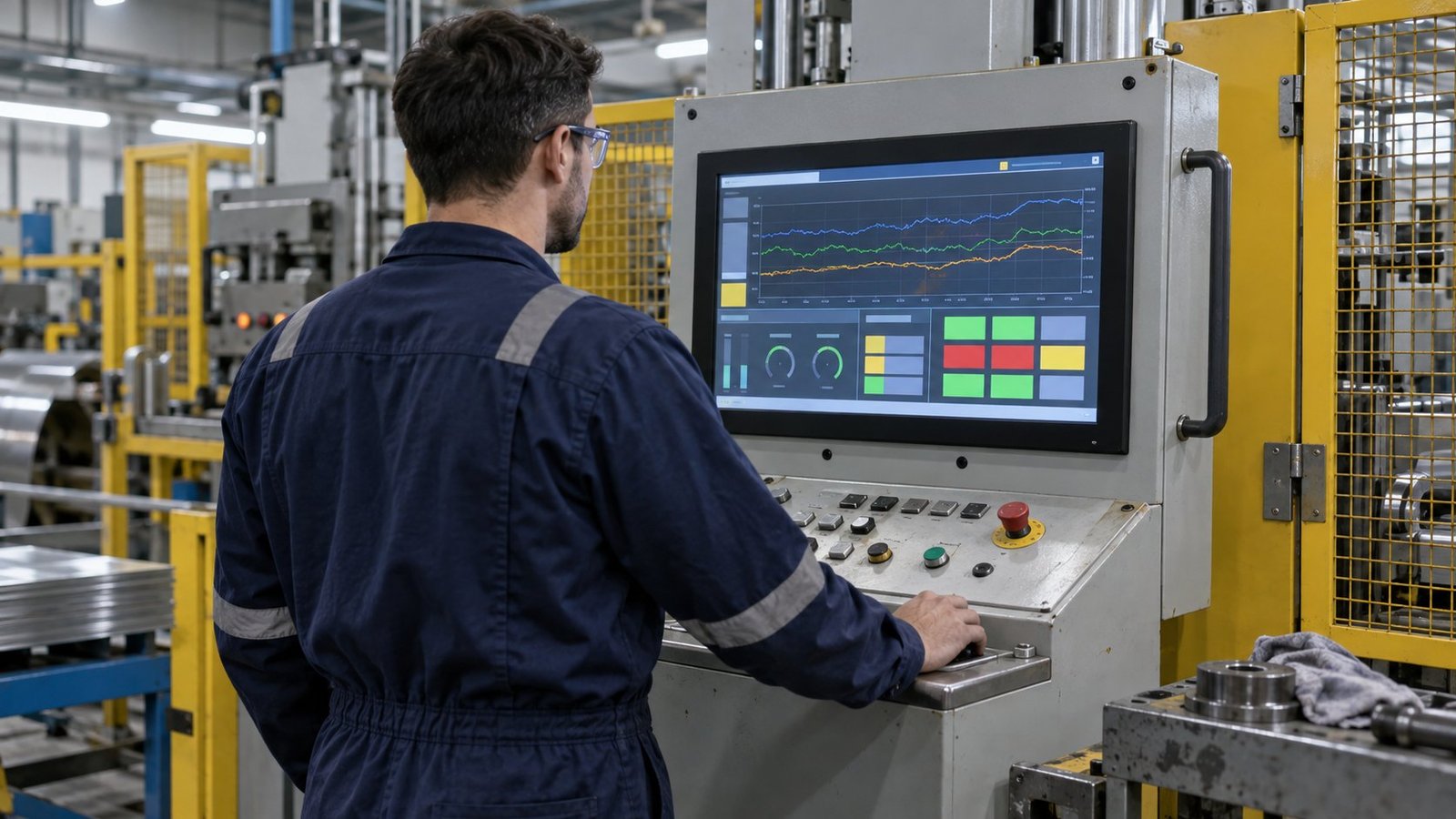
A SCADA or HMI project authored for 1280×1024 behaves in one of three ways on a 16:9 panel. Decide which one you want before the unit ships, because the monitor’s scaler setting controls it.
- Pillarboxed 1:1 — the 1280×1024 image sits centred with black bars left and right. Text stays sharp, touch coordinates stay true. Our usual recommendation for resistive touch retrofits.
- Stretched to fill — circles become ellipses, 8 px fonts blur. Fast to set up, poor for 12-hour shifts.
- Aspect-preserved scale — the image fills the height, bars appear at the sides. Slight softening from non-integer scaling, but geometry is correct.
Touch calibration is the hidden failure
We see this weekly: the picture looks fine, then the operator’s finger lands 20 mm from the button. If the scaler letterboxes, the touch controller must be told the same active window. Set the display mode first, calibrate second, never the reverse.
Viewing distance and bezel
At 700–900 mm — a typical machine-front standing position — the 17.3″ unit loses legibility on small 1280×1024-era fonts once scaled. Beyond 1.2 m, specify 19″ wide. Bezel matters too: our 18.5″ panel mount has a 445 x 265 mm front plate, which covers most legacy 19″ 5:4 cutouts without trimming the sheet metal.
17.3 vs 19 inch industrial monitor: what customers order
In the 17.3 vs 19 inch industrial monitor question, our order data is one-sided. Roughly two in three drop-in replacements for a dead 19″ 5:4 leave here as 19″ wide. The reason is cutout width, not image quality — the old bezel opening is close to 410 mm, and the 19″ wide front plate covers it.
The 18.5 inch industrial monitor is the second choice, mostly where depth behind the cabinet door is limited. The 17.3″ goes into rack drawers and desk consoles where 1U height budget rules, not into machine fronts.
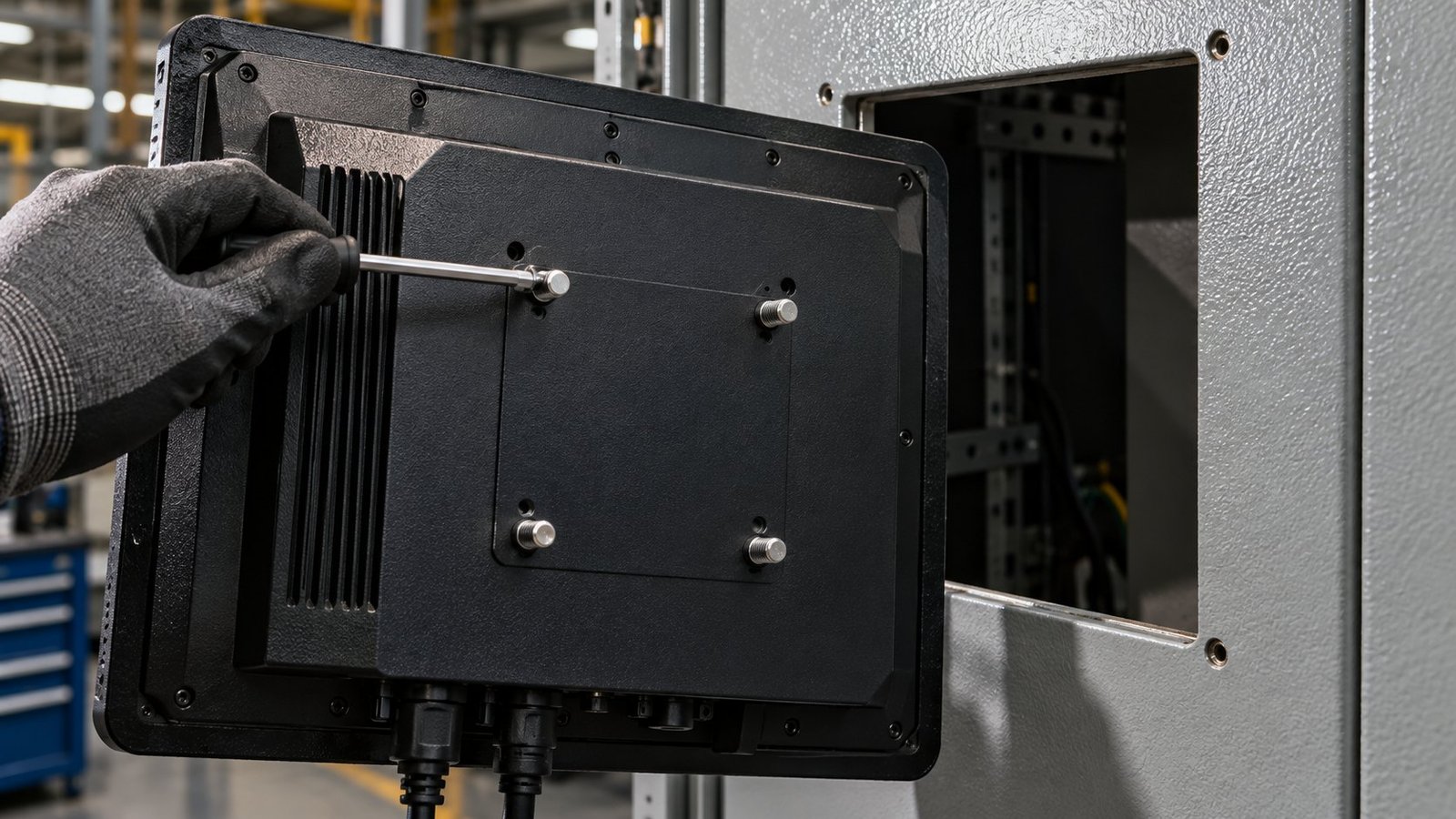
What we tell customers about the cutout: measure the opening, not the old monitor. Send us three numbers — opening width, opening height and stud pitch. We match those against our panel mount monitor drawings and tell you whether it drops in or needs an adapter plate. An adapter plate in 2 mm stainless costs less than a shift of downtime cutting a cabinet in situ.
See also: industrial display monitors
FAQ
Can I still buy a true 1280×1024 replacement?
Sometimes, as a last-time buy or from salvage stock. Treat it as a bridge, not a fix — you will face the same EOL event again within a few years.
Will 1920×1080 make my HMI text too small?
Not if you run the project 1:1 pillarboxed. It stays at its original pixel size, centred. Stretching to full width is what shrinks and blurs text.
How much image height do I actually lose?
Between 71 mm and 86 mm across our three sizes, against 301 mm on the old 5:4 panel. Check your densest screen before ordering.
Order one unit and fit-check it
Paper drawings settle the cutout question; only a real panel settles the legibility question. Order a single 17.3″, 18.5″ or 19″ unit from our range of industrial monitors, hold it against the opening and put your busiest HMI page on it before you commit the fleet. Send us your opening dimensions through Contact & Quotes and we will confirm the fit first →


